MQTT connection between multiple LMs #
Task #
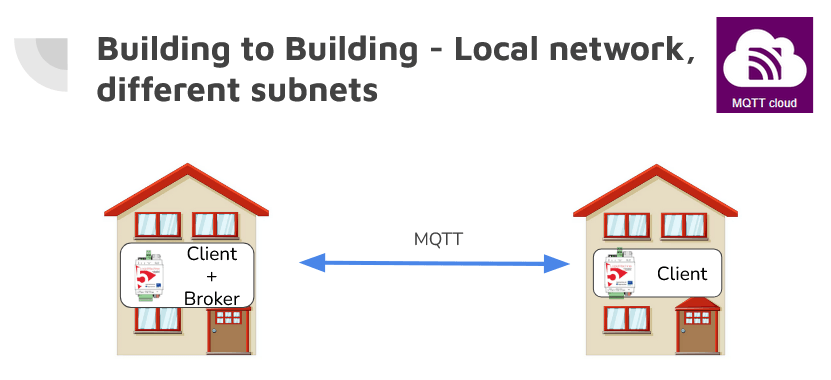
Connect multiple LogicMachine controllers located in different subnets.
1. Requirements #
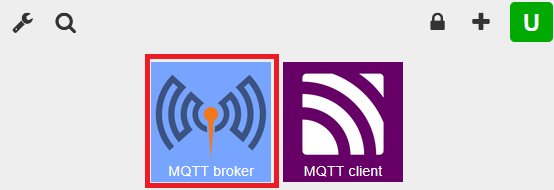
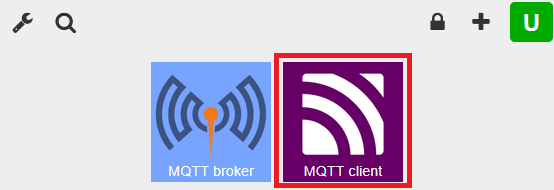
Install MQTT broker app and MQTT client app on LM1.
Install MQTT client app on LM2.
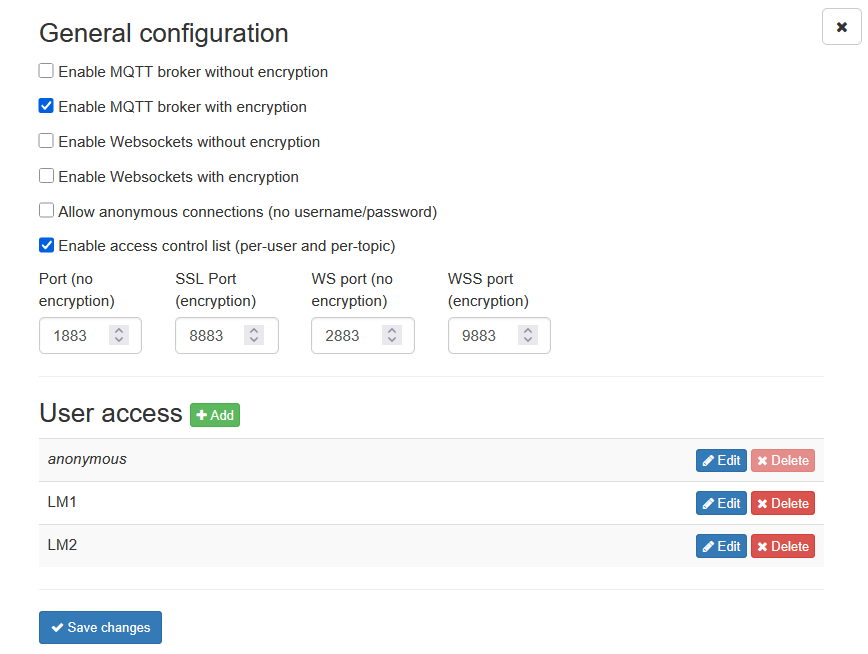
2. Configure MQTT broker on LM1 #
Set up only encrypted communication and enable access control list (per-user and per-topic).
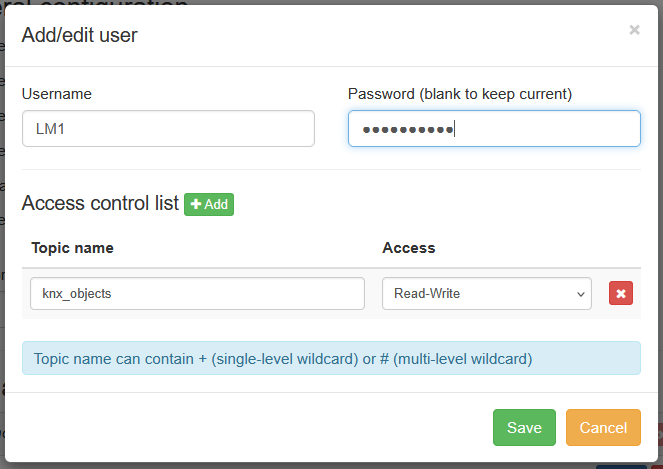
3. Set up users and topics in the MQTT broker app #
Create users for both LM1 and LM2.
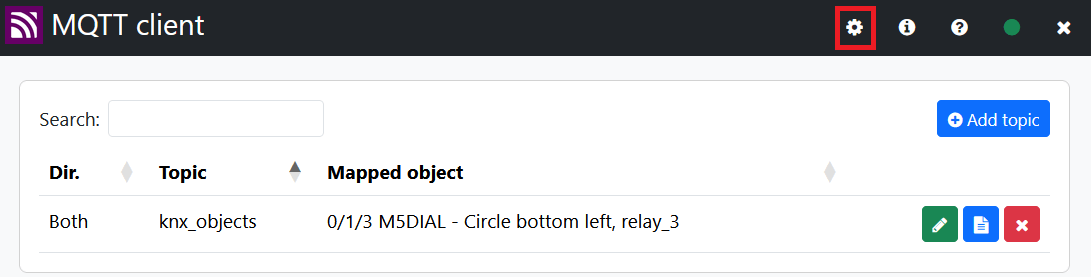
4. Configure MQTT client on LM1 #
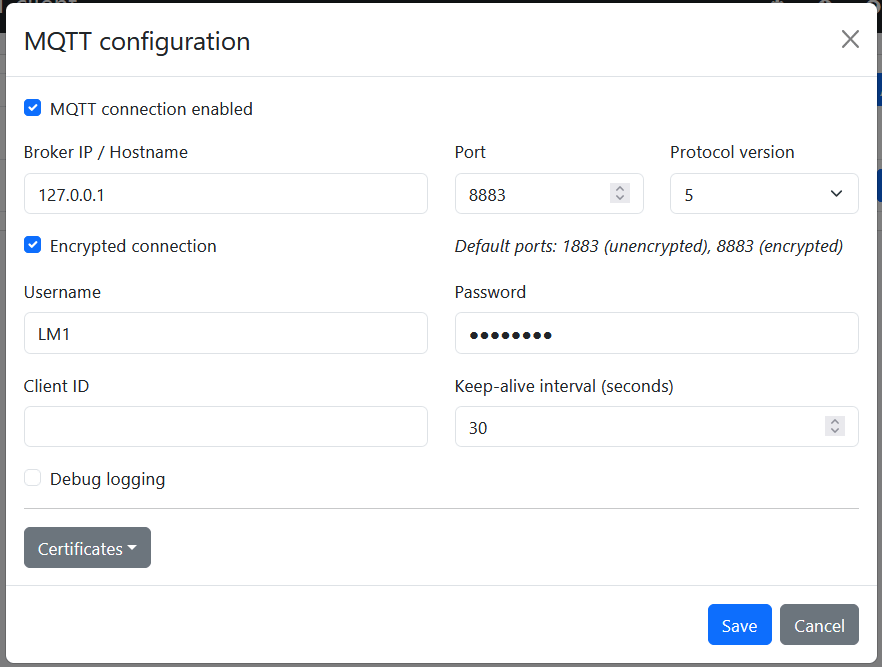
Set up communication and username/password as configured in the MQTT broker app.
- Set IP address to 127.0.0.1
- Enable Encrypted connection
- Set Port to 8883
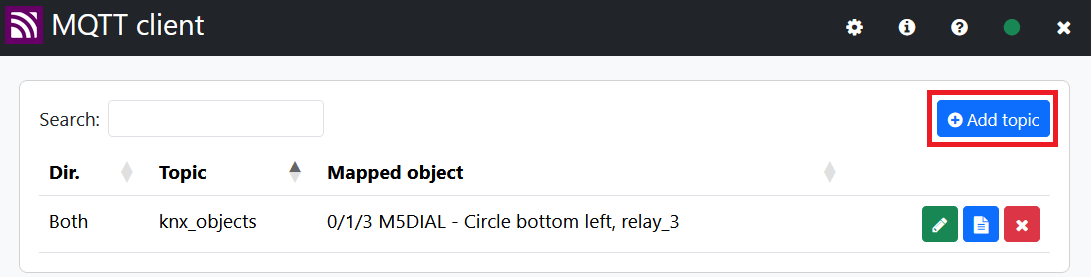
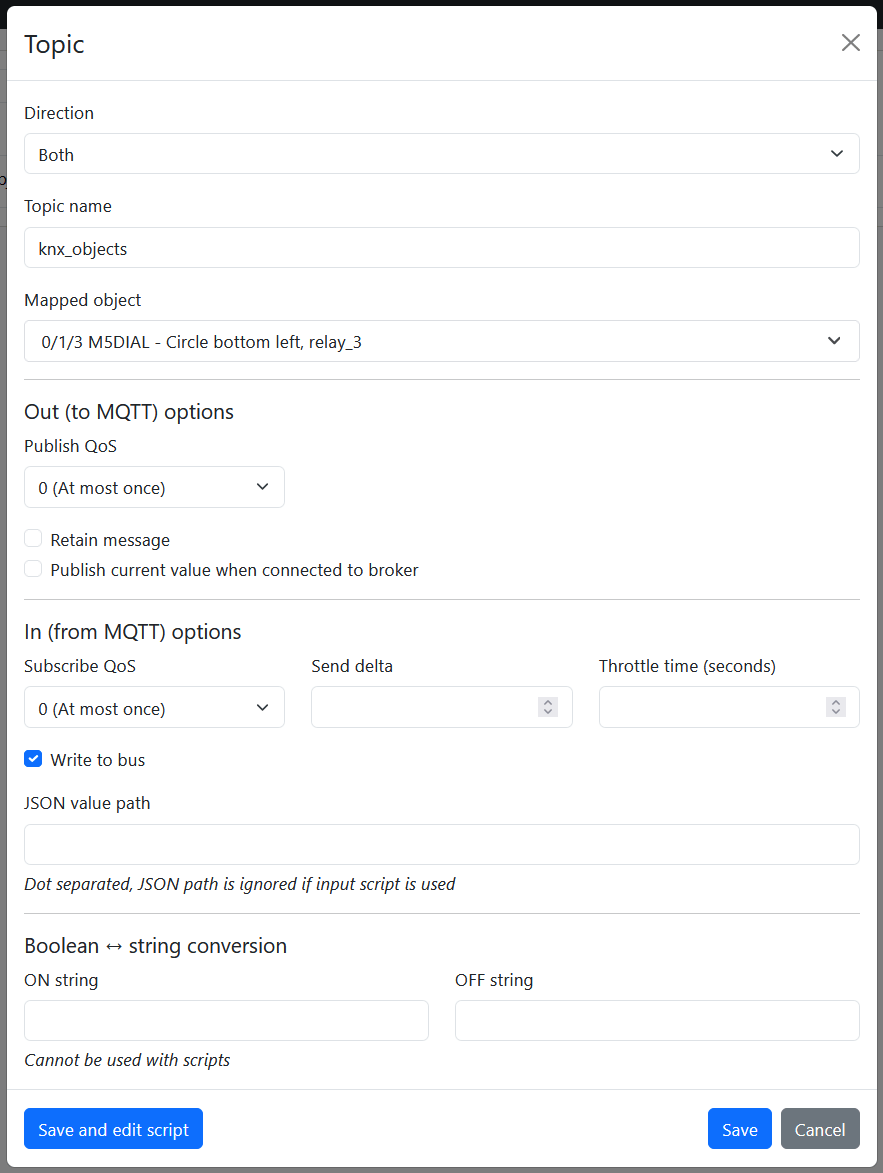
5. Configure MQTT topic and select KNX objects on LM1 #
Set up topic name as configured in the MQTT broker app.
6. Configure MQTT client on LM2 #
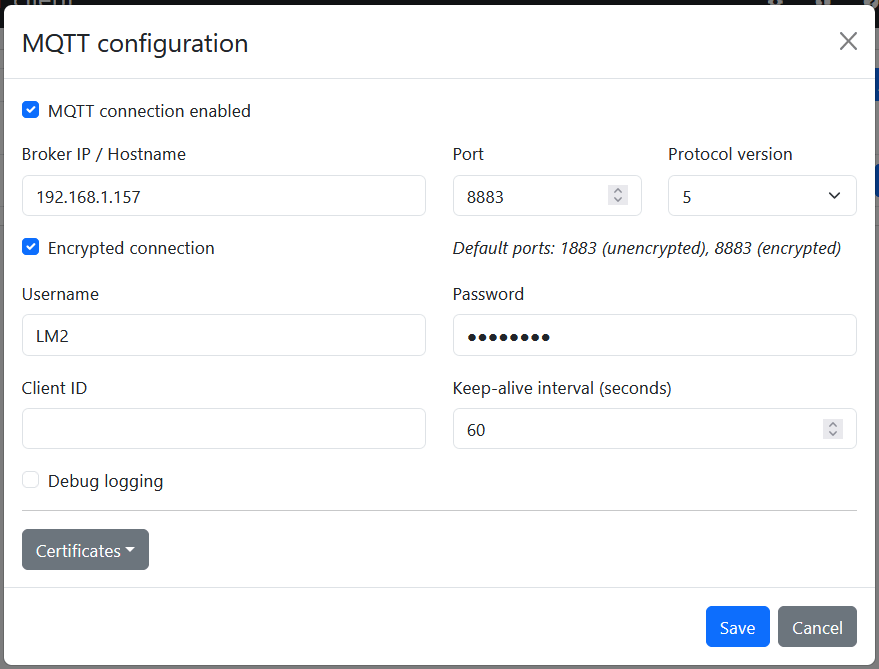
Set up communication and username/password as configured in the MQTT broker app.
- Set IP address to LM1 IP address
- Enable Encrypted connection
- Set Port to 8883
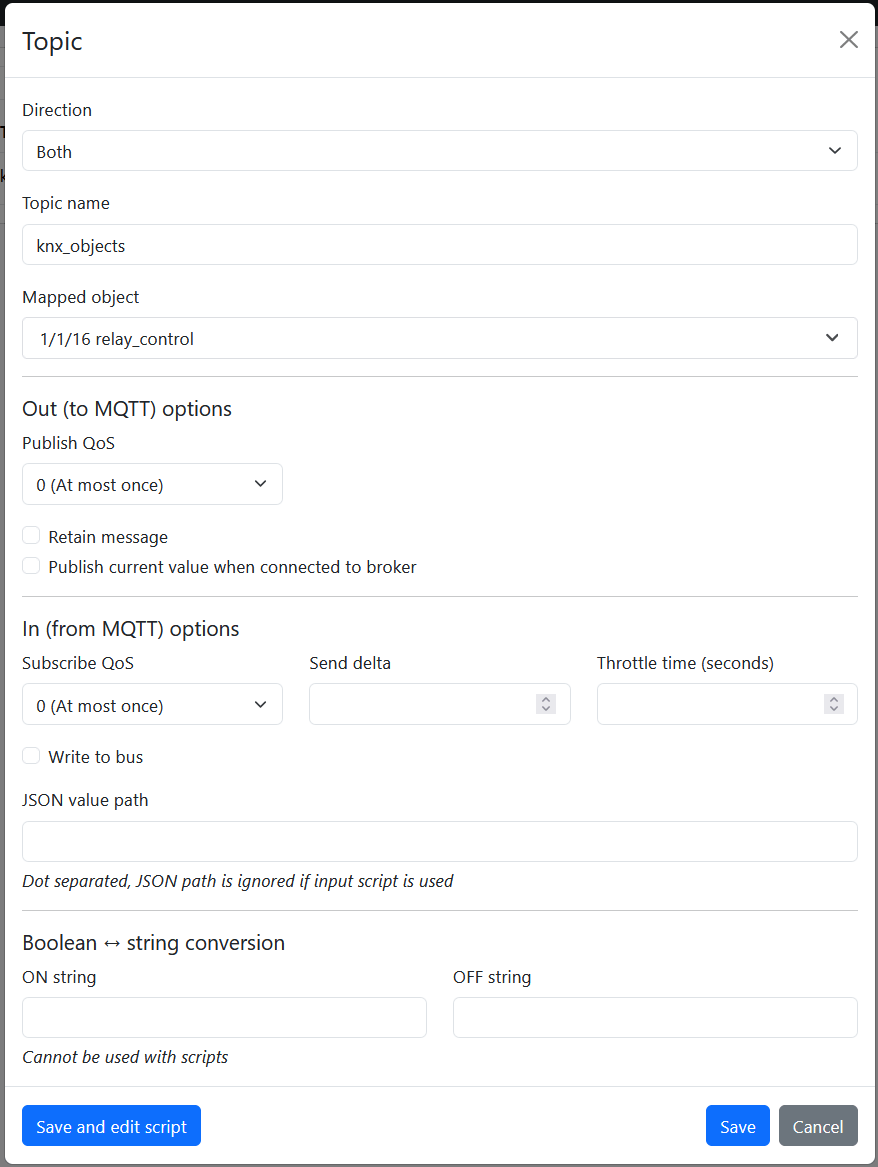
7. Configure MQTT topic and select KNX objects on LM2 #
Set up topic names as it is in MQTT broker app
Result - LM1 and LM2 can now exchange object values via MQTT #


Further assistance can be found in this forum thread